Fix: How to Find Who Is Stealing Your Wi-Fi Without Changing the Password?
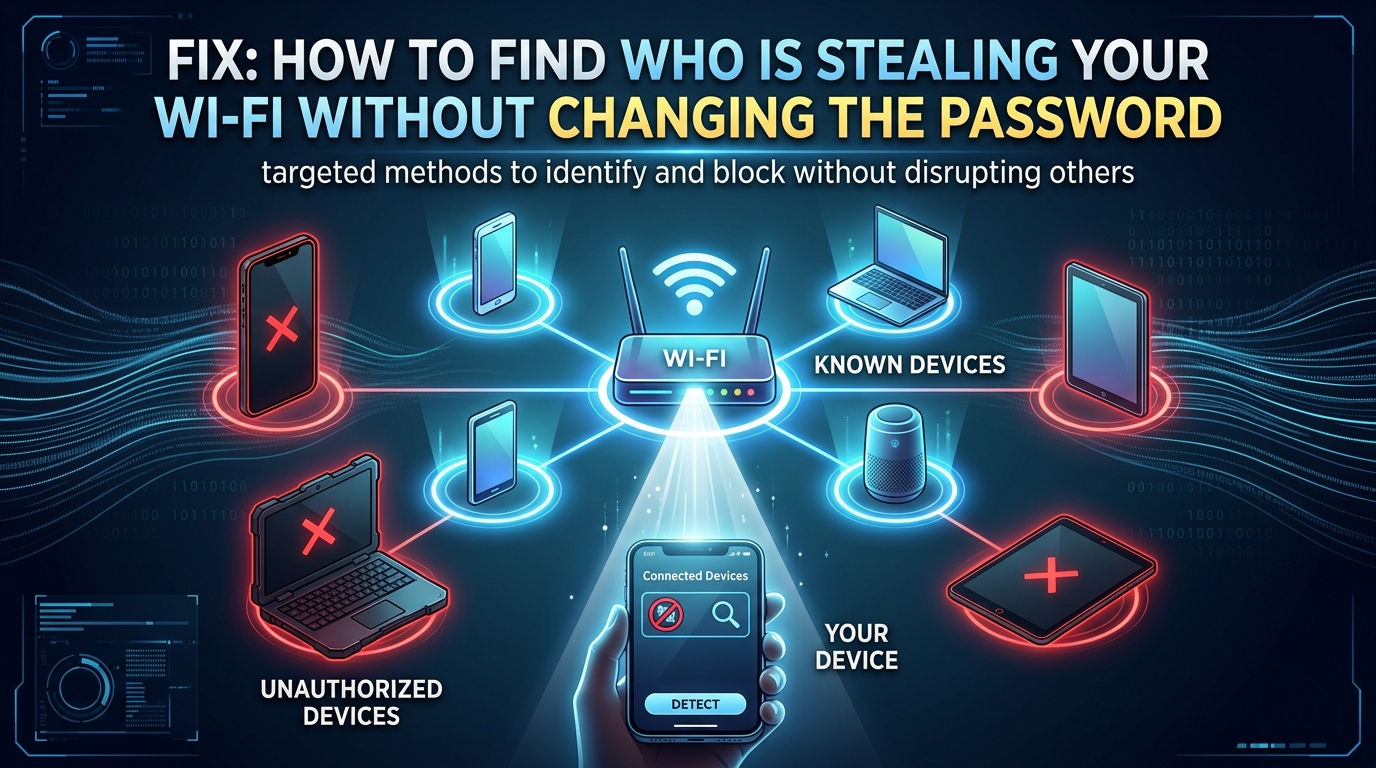
Technical Root Cause & Diagnostics You do not need to change your Wi-Fi password just to find out whether an unknown device is using your network. The quickest method is to open the router’s connected-device/client list, compare the devices shown there with the phones, computers, TVs, cameras, printers, and smart-home equipment you actually own, and … Read more
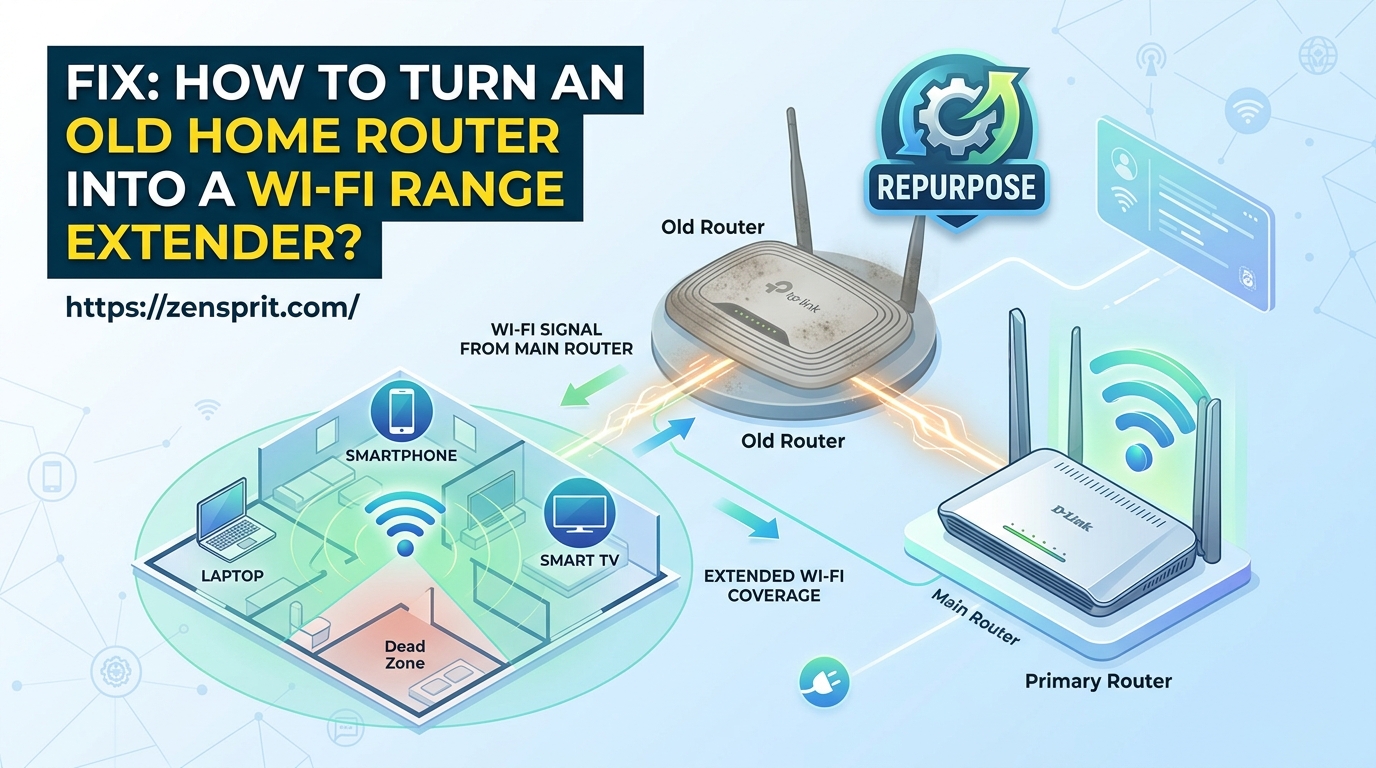
Fix: How to Turn an Old Home Router into a Wi-Fi Range Extender?

Technical Root Cause & Diagnostics An old router can sometimes extend an existing Wi-Fi network, but it must support a suitable operating mode such as Repeater, Range Extender, WDS, Wireless Bridge, or Access Point. The exact feature depends on the router’s firmware and model. Simply changing the old router’s Wi-Fi name does not make it … Read more

Fix: Wi-Fi Connected But “No Internet Access” Error on Windows Laptops

Technical Root Cause & Diagnostics Windows can show “Connected” to a Wi-Fi network while still reporting “No Internet” because the laptop has successfully established a local connection to the router, but something is failing between the router and the wider internet. The failure can involve DHCP, DNS, the default gateway, the Wi-Fi adapter, VPN software, … Read more

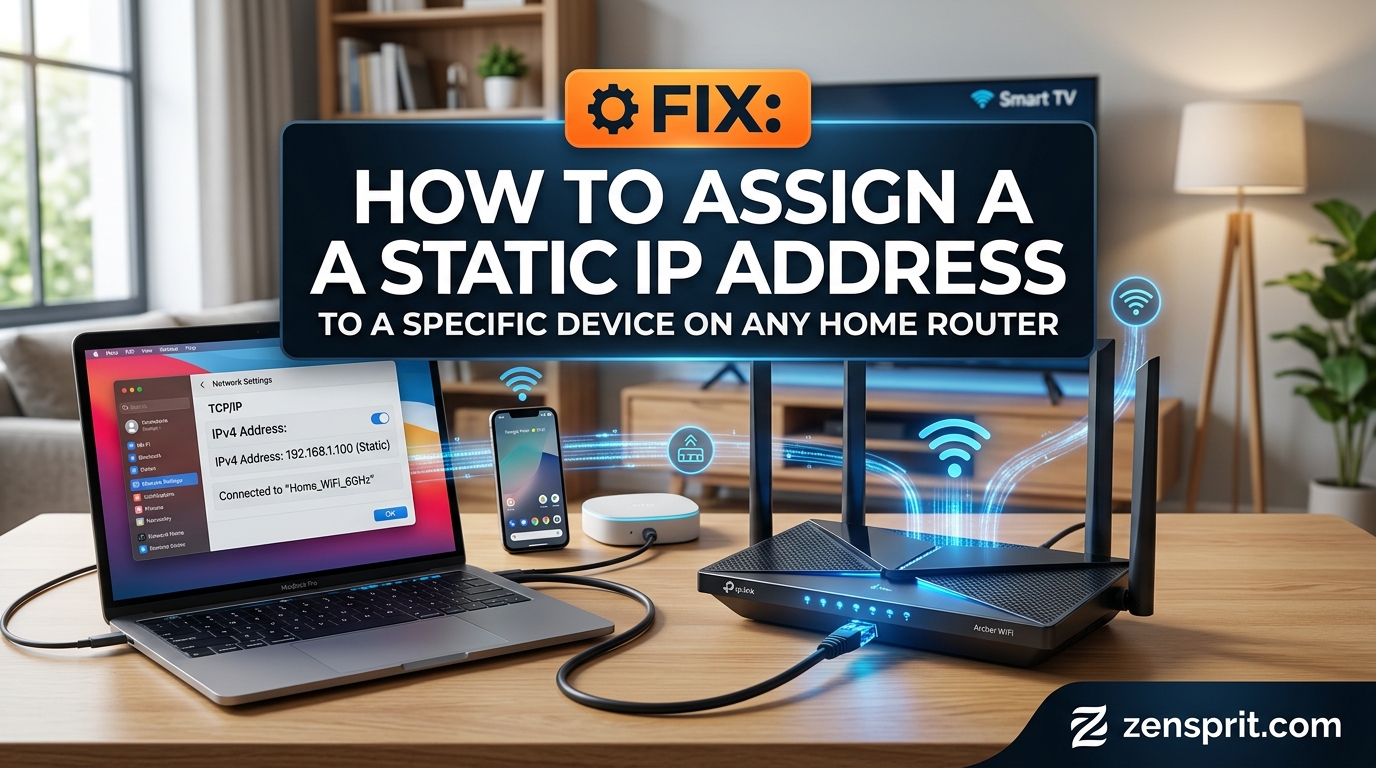
Fix: How to Assign a Static IP Address to a Specific Device on Any Home Router

Technical Root Cause & Diagnostics A device can appear to have the same IP address for a while and still receive a different address later. That happens because most home routers use DHCP, which automatically leases local IP addresses to phones, computers, printers, cameras, TVs, and other connected devices. A DHCP reservation tells the router … Read more

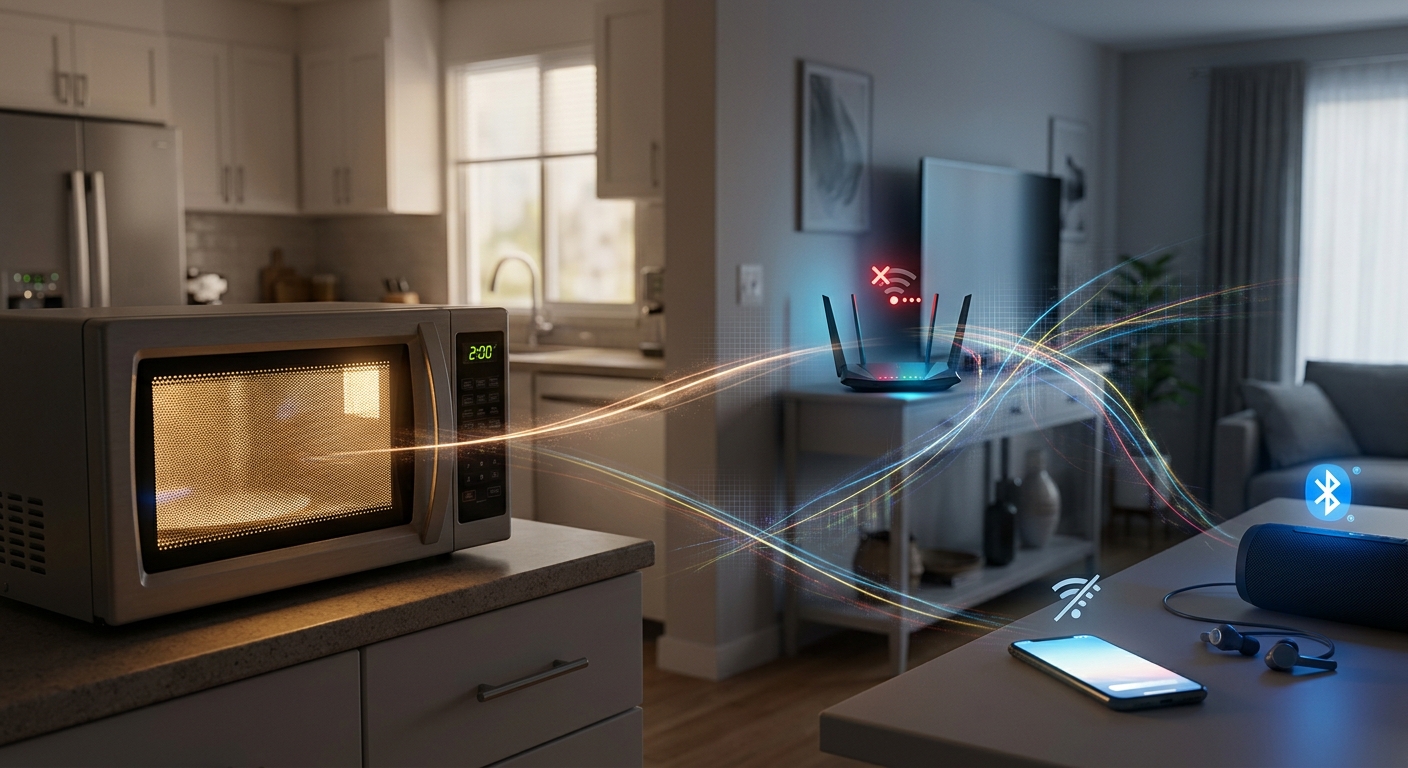
Fix: Why Wi-Fi Disconnects Every Time You Turn On a Microwave or Bluetooth Device

Target environment: 2.4 GHz Wi-Fi on a Windows laptop, phone, or home router Wi-Fi can disconnect when a microwave or Bluetooth device becomes active because 2.4 GHz Wi-Fi shares spectrum with other radio-frequency devices, and interference can reduce the signal-to-noise ratio enough for the connection to drop. A microwave does not normally “turn off” Wi-Fi … Read more

Fix: High Ping and Packet Loss During Online Video Conferences

Technical Root Cause & Diagnostics High ping and packet loss during a video conference usually come from Wi-Fi interference, network congestion, bufferbloat, weak wireless signal, or an unstable ISP connection. A connection can show excellent download speed in a speed test and still produce poor Zoom, Teams, or Google Meet performance because video calls need … Read more