Fix: How to Transfer Large Files (50GB+) Between PC and Mac Without External Drive
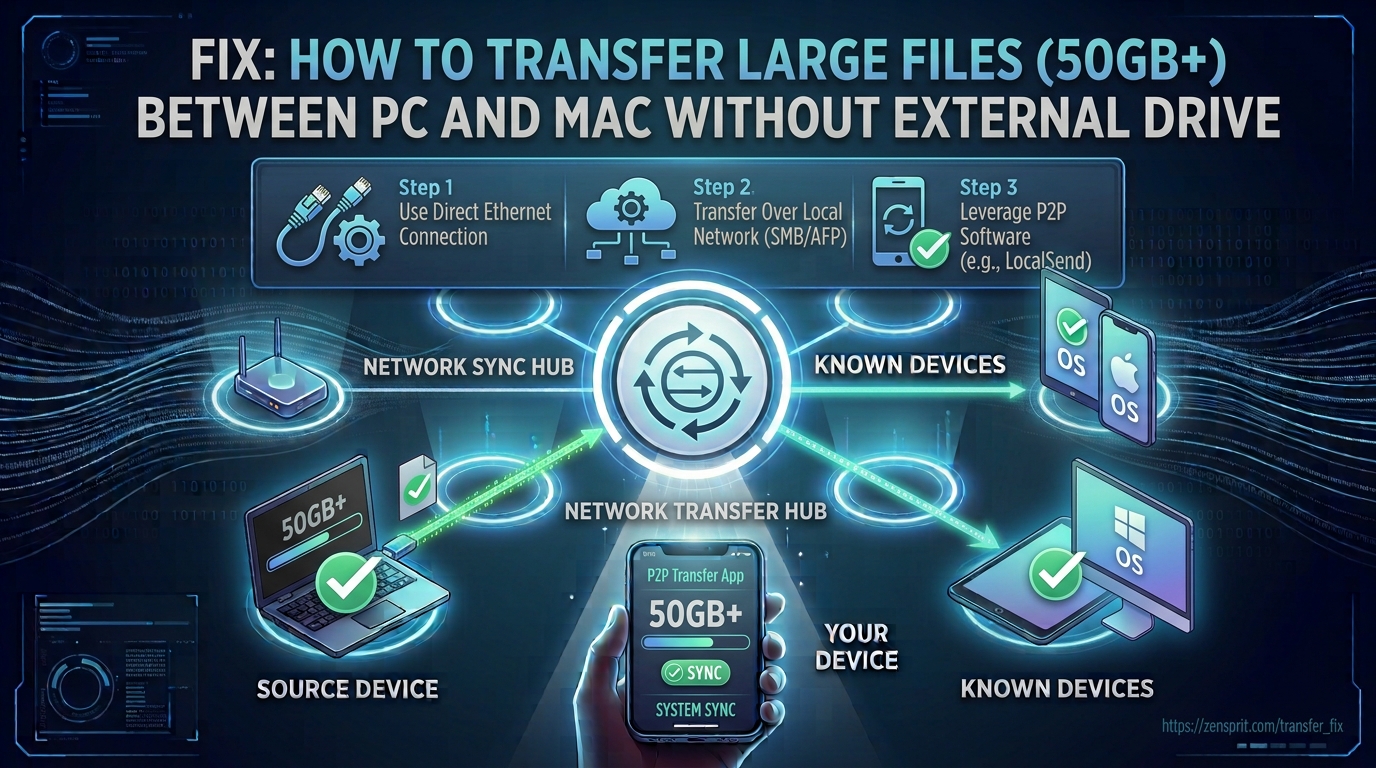
Technical Root Cause & Diagnostics Moving a 50GB or larger file between a Windows PC and a Mac does not require an external drive, but the transfer method matters. The most reliable local approach is SMB network file sharing, because both Windows and macOS can communicate using the protocol without requiring the computers to use … Read more
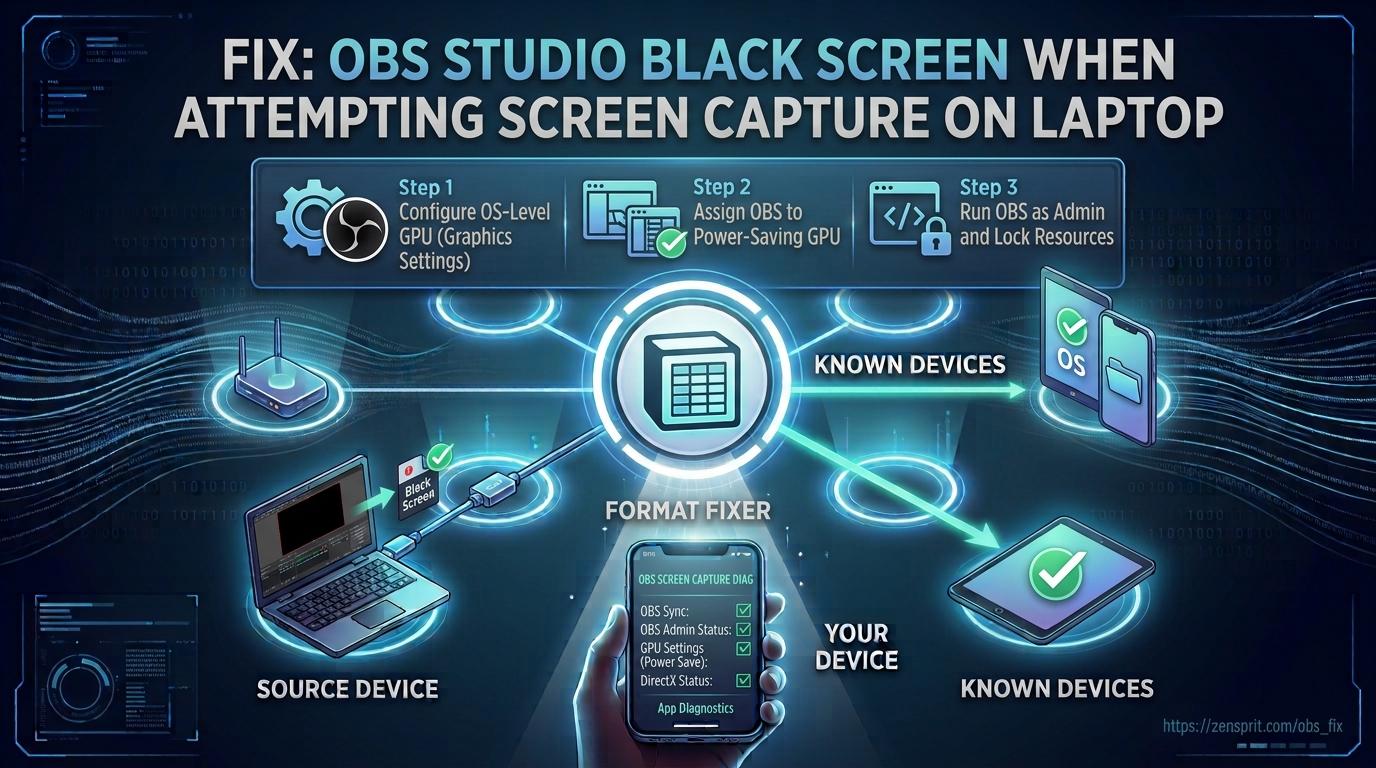
Fix: OBS Studio Black Screen When Attempting Screen Capture on Laptop

Target environment: OBS Studio on Windows 10/11 laptop with integrated and/or dedicated graphics OBS Studio showing a black preview during screen capture on a laptop is usually caused by OBS and the Windows desktop running on different GPUs. Other common causes include selecting the wrong capture source, graphics-driver problems, protected application content, or incorrect permissions. … Read more

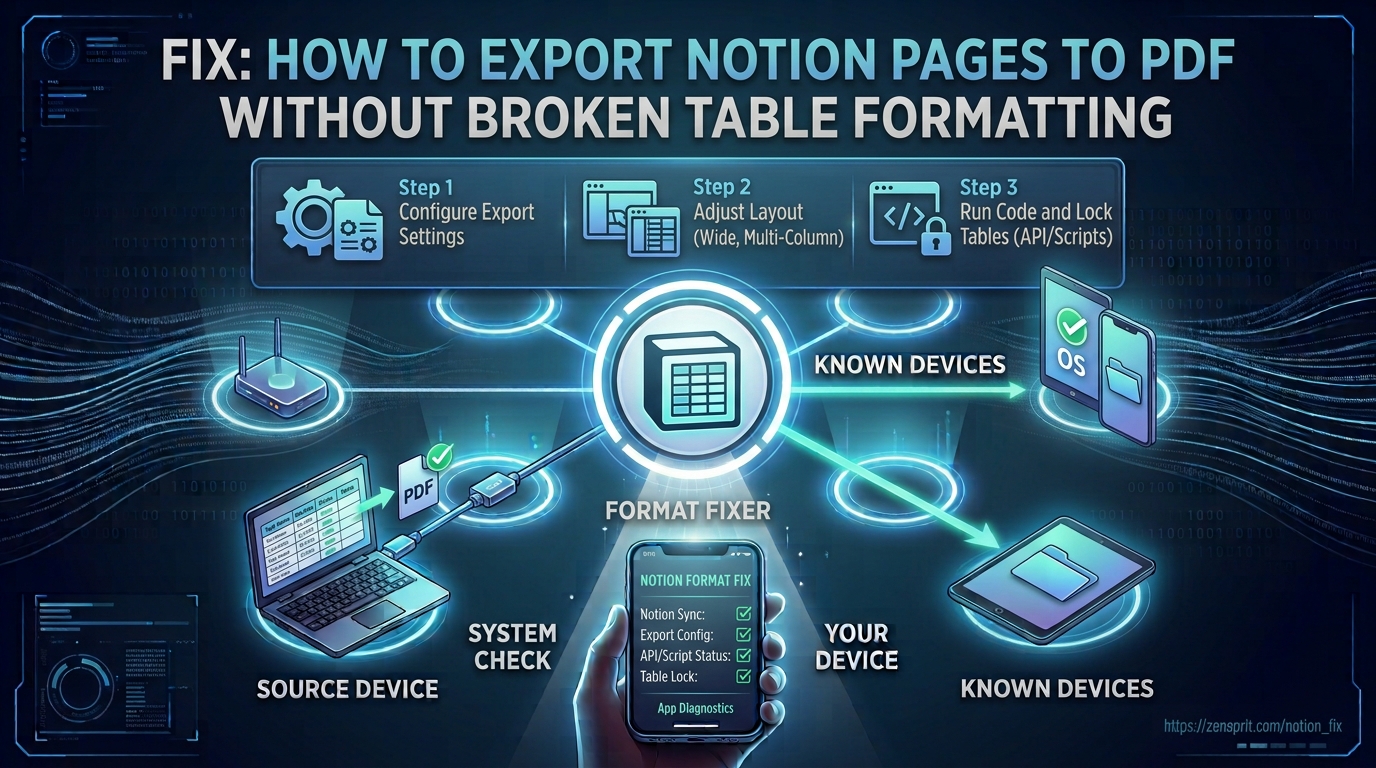
Fix: How to Export Notion Pages to PDF Without Broken Table Formatting

 Target environment: Notion on desktop or web, exporting pages as PDF Notion tables can become difficult to read after PDF export because the page is converted into a fixed-size document, while Notion’s editor is designed around a flexible web layout. Wide databases, long cell content, narrow columns, grouped views, and page-width settings can cause columns … Read more

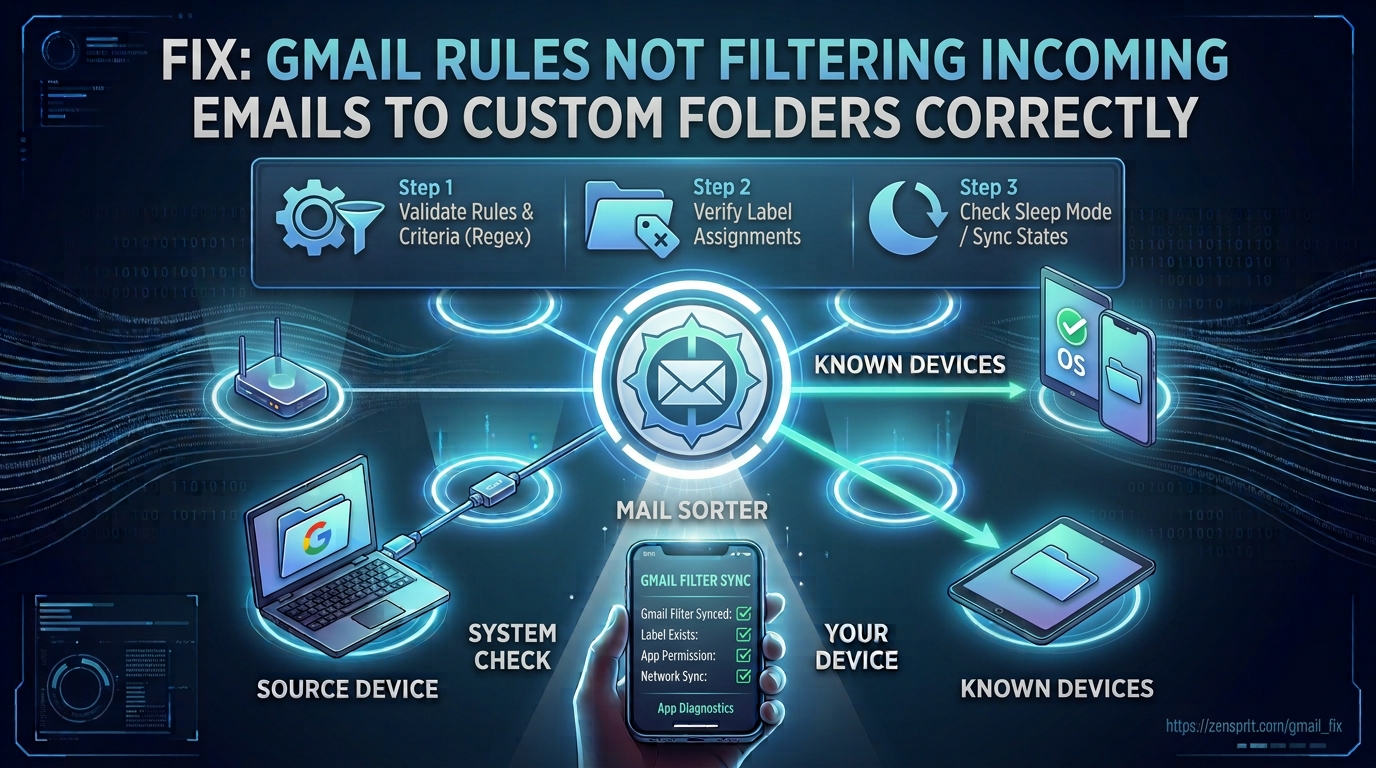
Fix: Gmail Rules Not Filtering Incoming Emails to Custom Folders Correctly

Target environment: Gmail on the web, using custom labels as folders Gmail does not use traditional folders in the same way as Outlook; its filtering system applies actions such as Skip the Inbox and Apply the label to matching messages. When incoming email is not appearing under the expected custom label, the usual causes are … Read more

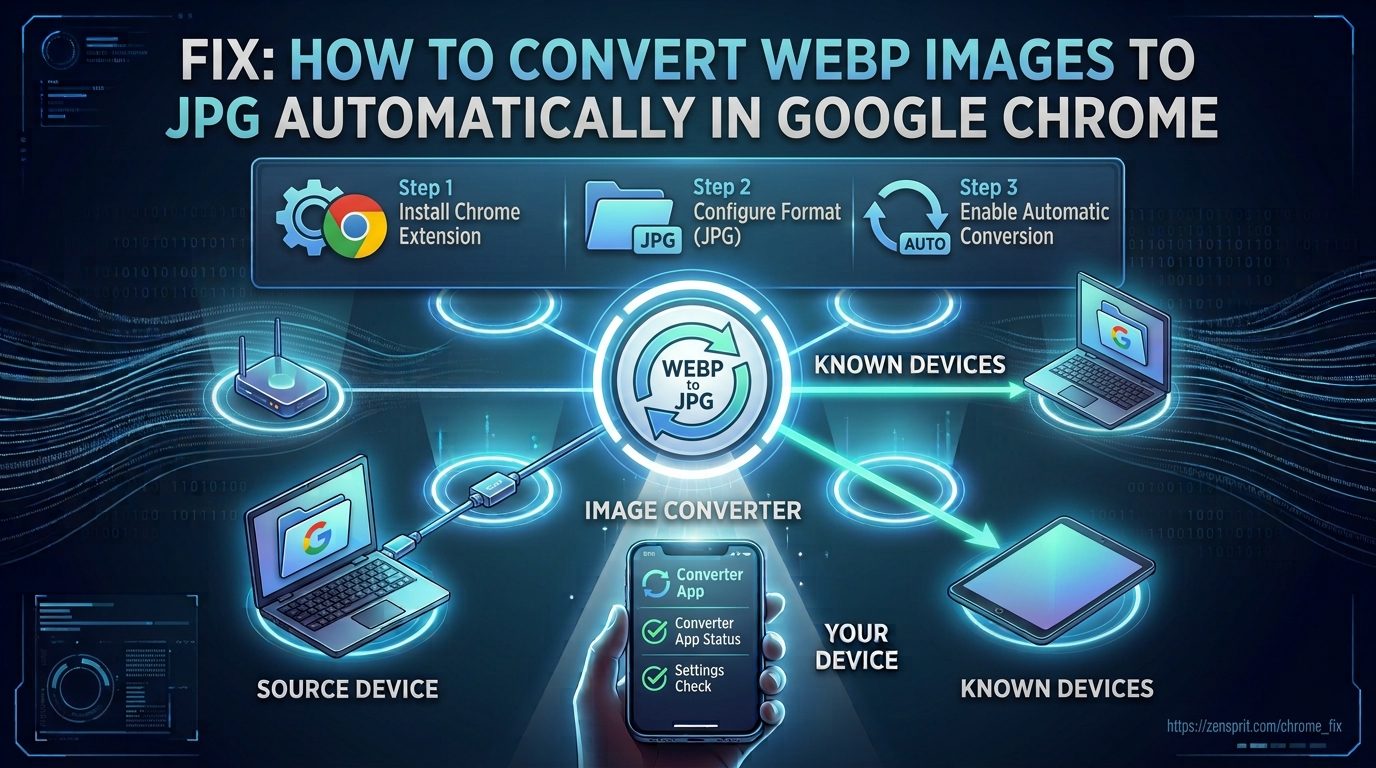
Fix: How to Convert WebP Images to JPG Automatically in Google Chrome

Target environment: Google Chrome on Windows 10/11 Chrome normally displays WebP images in their original format and may save them as .webp when you use Save image as. There is no standard Chrome setting that changes every downloaded WebP image into JPG automatically. To make the process automatic, you need to use a browser extension, … Read more

Fix: Google Drive Desktop App Stuck on “Preparing for Sync” (Step-by-Step)

Target environment: Windows 11/10 with Google Drive for desktop Google Drive for desktop can remain on “Preparing for sync” when its local cache, account session, file database, network connection, or Windows file permissions prevent the sync engine from completing its initial scan. The problem is usually not that Google Drive cannot access the internet; it … Read more

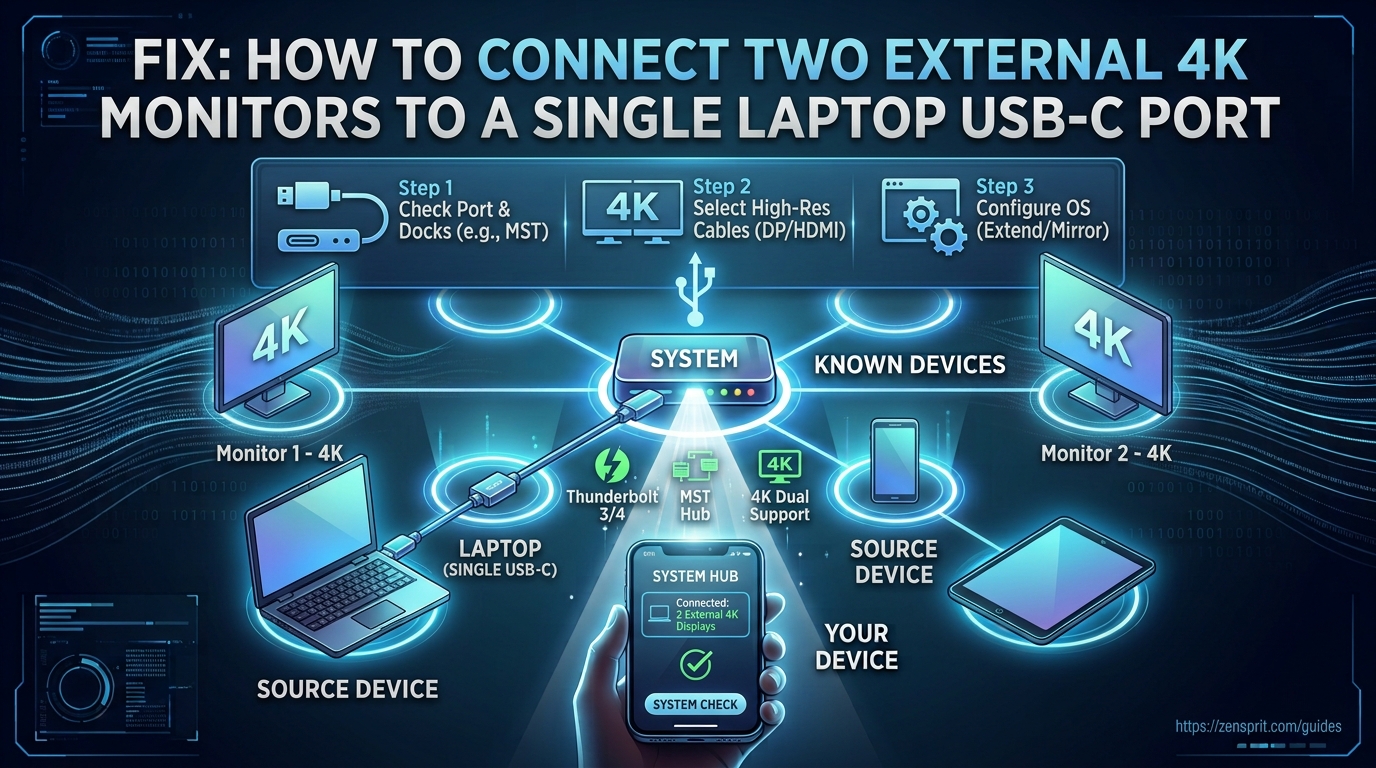
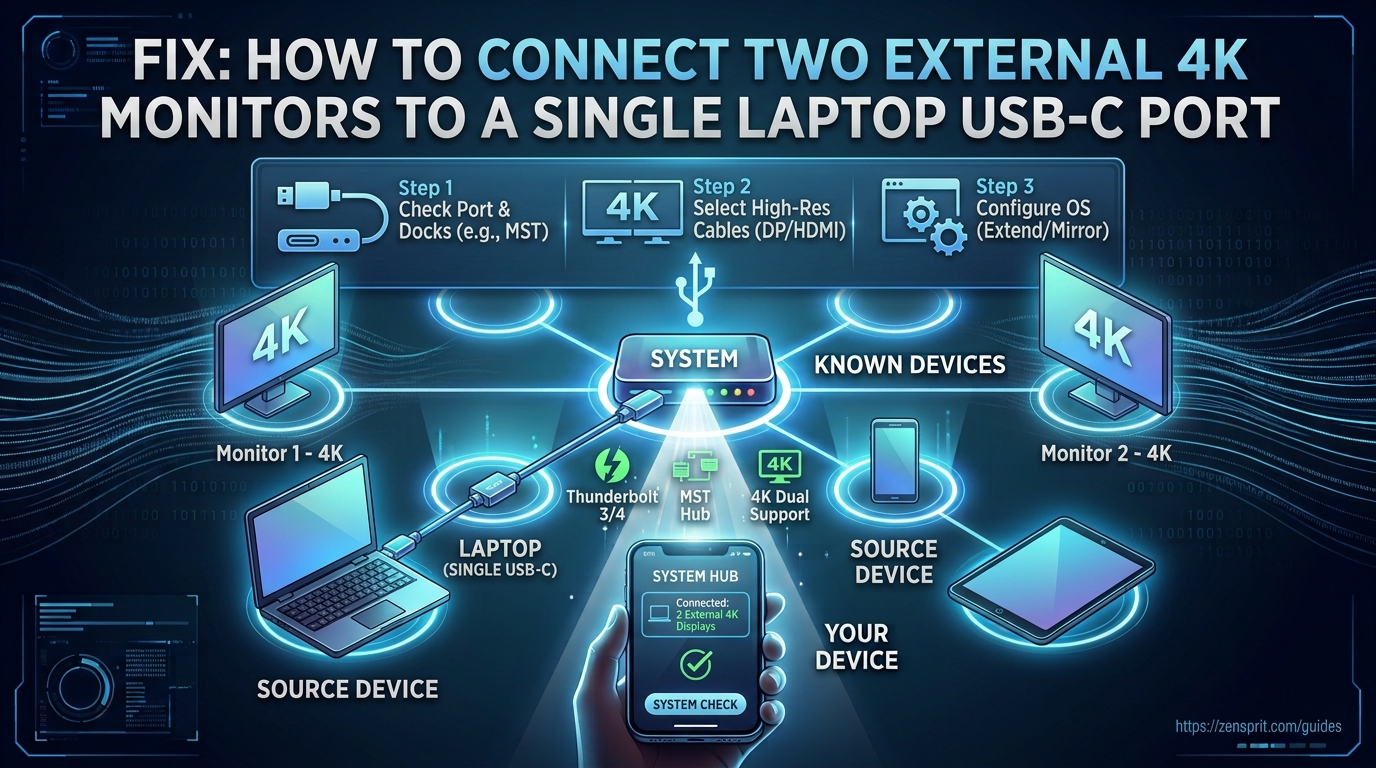
Fix: How to Connect Two External 4K Monitors to a Single Laptop USB-C Port?

Technical Root Cause & Diagnostics A single USB-C port can drive two external 4K monitors, but the connector itself does not guarantee that capability. The port must support an appropriate display-output technology, such as DisplayPort Alt Mode, Thunderbolt, or USB4, and the dock or adapter must have enough bandwidth to handle both displays. The laptop’s … Read more

Fix: How to Stop Laptop Battery Dropping to 0% Overnight in Sleep Mode

Technical Root Cause & Diagnostics A Windows 11 laptop that loses most or all of its battery charge overnight while supposedly asleep is usually not experiencing normal Sleep behavior. The common causes are Modern Standby activity, wake timers, connected standby devices, background networking, USB devices, or a firmware/driver component preventing the system from reaching a … Read more

Fix: How to Find Who Is Stealing Your Wi-Fi Without Changing the Password?

Technical Root Cause & Diagnostics You do not need to change your Wi-Fi password just to find out whether an unknown device is using your network. The quickest method is to open the router’s connected-device/client list, compare the devices shown there with the phones, computers, TVs, cameras, printers, and smart-home equipment you actually own, and … Read more

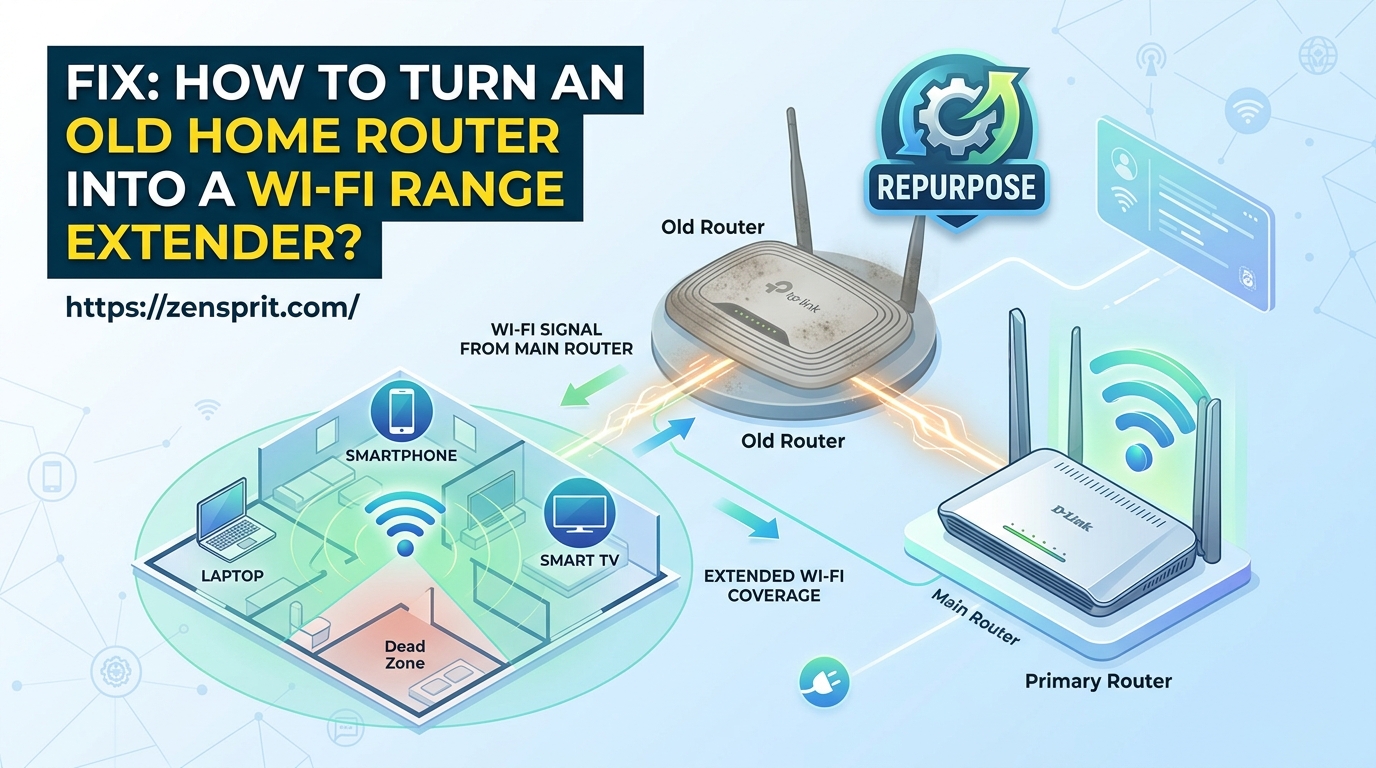
Fix: How to Turn an Old Home Router into a Wi-Fi Range Extender?

Technical Root Cause & Diagnostics An old router can sometimes extend an existing Wi-Fi network, but it must support a suitable operating mode such as Repeater, Range Extender, WDS, Wireless Bridge, or Access Point. The exact feature depends on the router’s firmware and model. Simply changing the old router’s Wi-Fi name does not make it … Read more