Fix: Wi-Fi Connected But “No Internet Access” Error on Windows Laptops
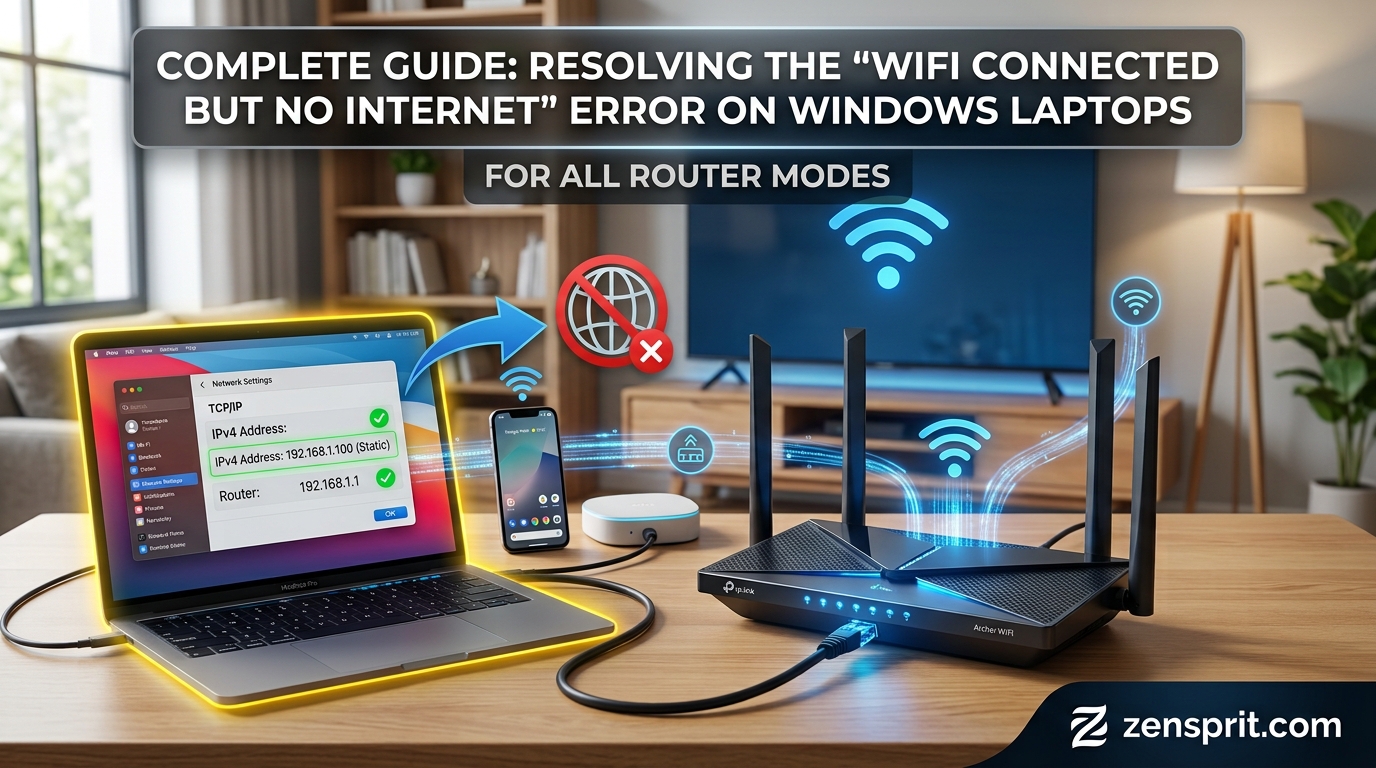
Technical Root Cause & Diagnostics Windows can show “Connected” to a Wi-Fi network while still reporting “No Internet” because the laptop has successfully established a local connection to the router, but something is failing between the router and the wider internet. The failure can involve DHCP, DNS, the default gateway, the Wi-Fi adapter, VPN software, … Read more


Fix: How to Assign a Static IP Address to a Specific Device on Any Home Router

Technical Root Cause & Diagnostics A device can appear to have the same IP address for a while and still receive a different address later. That happens because most home routers use DHCP, which automatically leases local IP addresses to phones, computers, printers, cameras, TVs, and other connected devices. A DHCP reservation tells the router … Read more

Fix: Why Wi-Fi Disconnects Every Time You Turn On a Microwave or Bluetooth Device

Target environment: 2.4 GHz Wi-Fi on a Windows laptop, phone, or home router Wi-Fi can disconnect when a microwave or Bluetooth device becomes active because 2.4 GHz Wi-Fi shares spectrum with other radio-frequency devices, and interference can reduce the signal-to-noise ratio enough for the connection to drop. A microwave does not normally “turn off” Wi-Fi … Read more

Fix: How to Disable Automatic Downloads in Microsoft Teams/Zoom Chat

Target environment: Microsoft Teams and Zoom desktop apps on Windows 10/11 Microsoft Teams and Zoom handle chat attachments differently, and neither application provides one universal switch that prevents every type of file from being downloaded. Some files are opened from cloud storage, some are downloaded when you select them, and browser or operating-system behavior can … Read more

Fix: High Ping and Packet Loss During Online Video Conferences

Technical Root Cause & Diagnostics High ping and packet loss during a video conference usually come from Wi-Fi interference, network congestion, bufferbloat, weak wireless signal, or an unstable ISP connection. A connection can show excellent download speed in a speed test and still produce poor Zoom, Teams, or Google Meet performance because video calls need … Read more

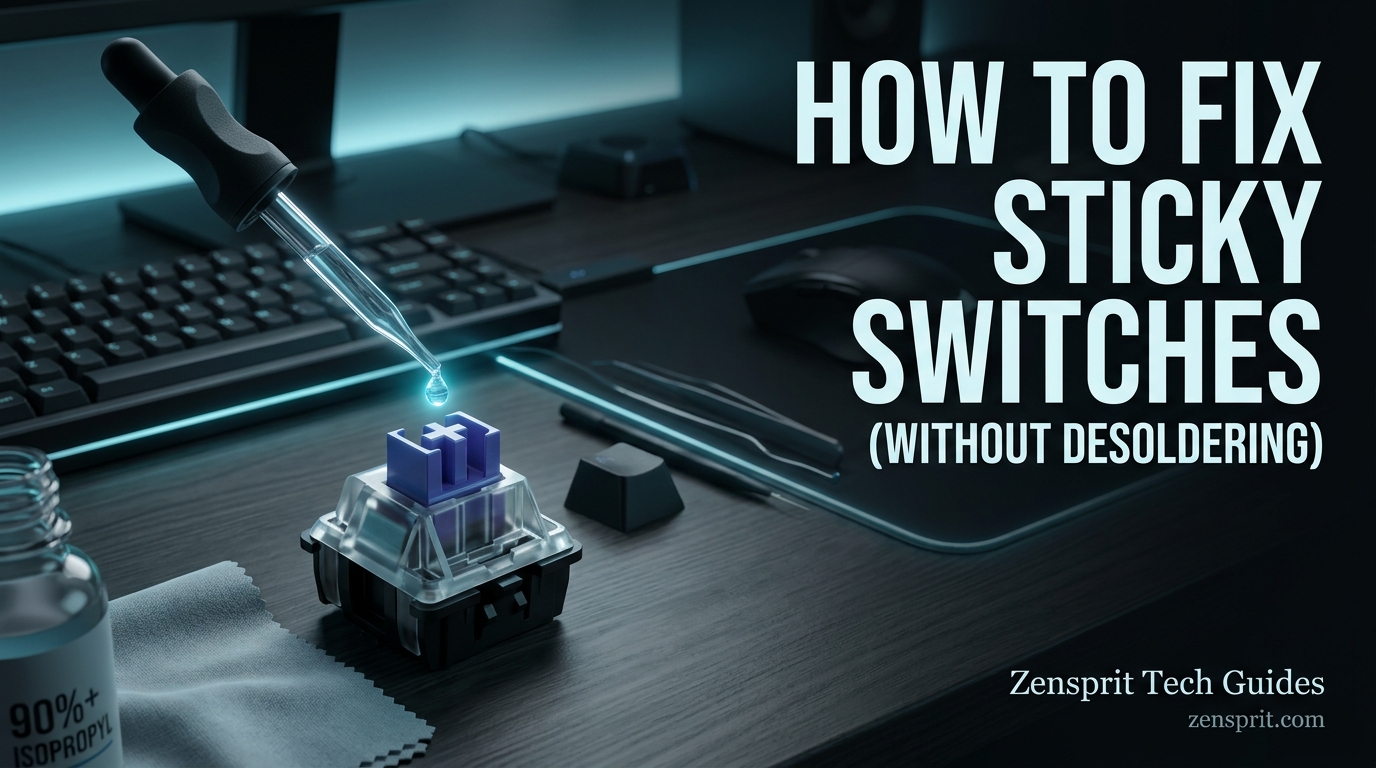
Fix: How to Clean Sticky Mechanical Keyboard Switches Without Desoldering?

Technical Root Cause & Diagnostics A sticky mechanical keyboard switch is usually caused by dried liquid, dust mixed with skin oils, food residue, or another contaminant entering the switch housing. The key may still register normally but feel slow, rough, or reluctant to return after being pressed. You can clean many sticky switches without removing … Read more